Role User Guide
Doctor Web Guide
Doctor login, appointment consultation handling, emergency participation, notes, and prescriptions.
Login URL
/auth/doctor-login
Start URL
/staff/doctor/dashboard
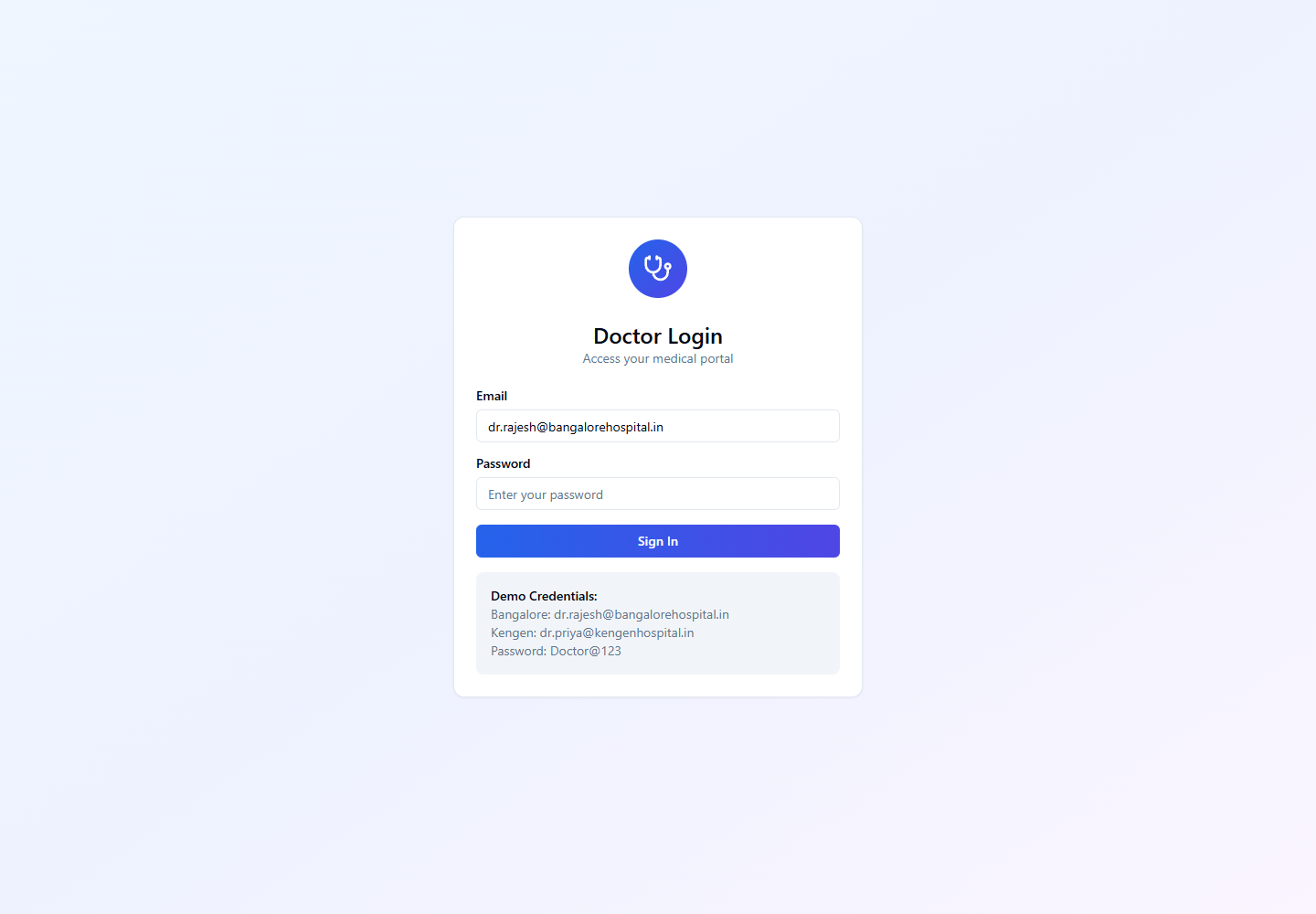
Onboarding and Login Flow
- Doctor is created by Hospital Admin or approved from provider onboarding.
- Doctor receives portal credentials and signs in from /auth/doctor-login.
- Doctor verifies profile, specialization, availability, and schedule settings.
- Doctor keeps online status active when available for appointments or emergency escalation.
Quick Start
- Login from the Doctor Login screen.
- Open Dashboard for online status, upcoming appointments, and active emergencies.
- Open Appointments to join consultation calls and review patient context.
- Use Settings to maintain profile and availability information.
Menu Navigation Hierarchy
Follow this order during training so users understand the dashboard before action-heavy screens.
1Dashboard
2Appointments
3Settings
Each Module: Navigation and Actions
| Navigation | Function | Primary Actions |
|---|---|---|
| Dashboard | Doctor command view for availability, appointments, and emergency assignments. |
|
| Appointments | List and detail screens for scheduled consultations. |
|
| Settings | Doctor profile and schedule maintenance. |
|
Action Screens with Screenshots
Step 1: Doctor Login
The role-specific login prevents non-doctor accounts from entering the doctor portal.
/auth/doctor-login
Enter doctor email
Enter password
Submit
Confirm dashboard redirect
Step 2: Appointment Handoff
Doctor receives the consultation after the patient books and nurse prepares or starts the call.
/staff/doctor/appointments
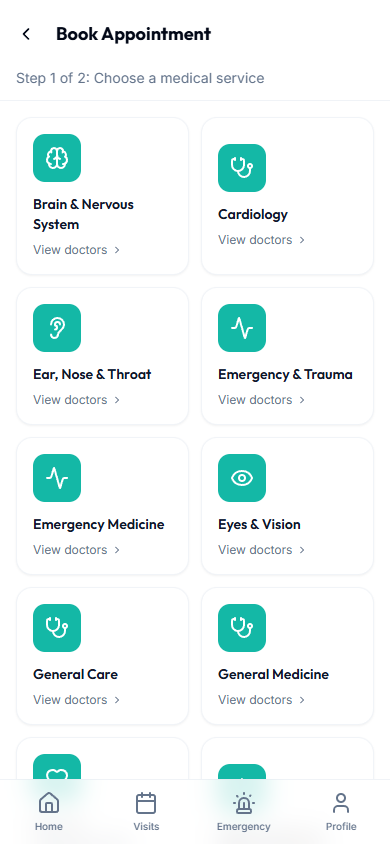
Review assigned appointment
Join when call is ready
Complete clinical notes
Step 3: Emergency Video Escalation
Triage nurse can invite a doctor to the active emergency video case when escalation is needed.
/staff/doctor/emergencies
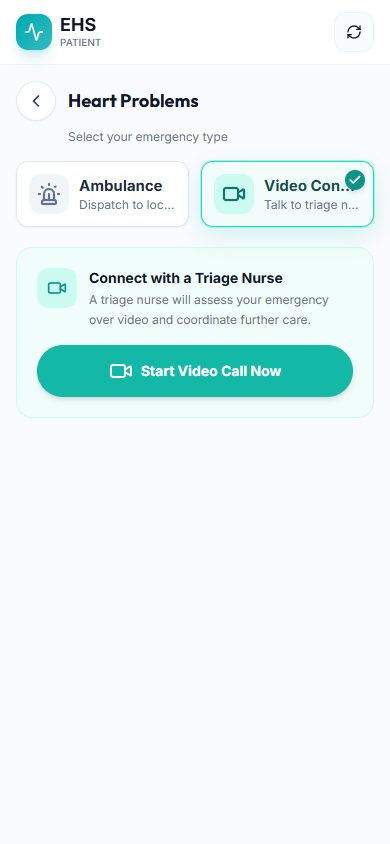
Accept escalation
Join emergency call
Advise triage nurse
Close or prescribe
End-to-End Testing Checks
- Enter the role email and password on the correct login screen.
- Confirm the redirected dashboard matches the user role.
- Verify the side navigation only shows modules allowed for that role.
- Log out and verify the browser returns to the login page.
- Doctor cannot access nurse, triage nurse, or hospital admin routes.
- Doctor appointment call creates or joins the same meeting ID started by nurse or appointment flow.
- Emergency doctor invite appears only for assigned or escalated emergency cases.