Role User Guide
Triage Nurse Web Guide
Triage login, call queue, emergency video acceptance, doctor escalation, and ambulance request.
Login URL
/auth/triage-nurse-login
Start URL
/staff/triage-nurse/dashboard
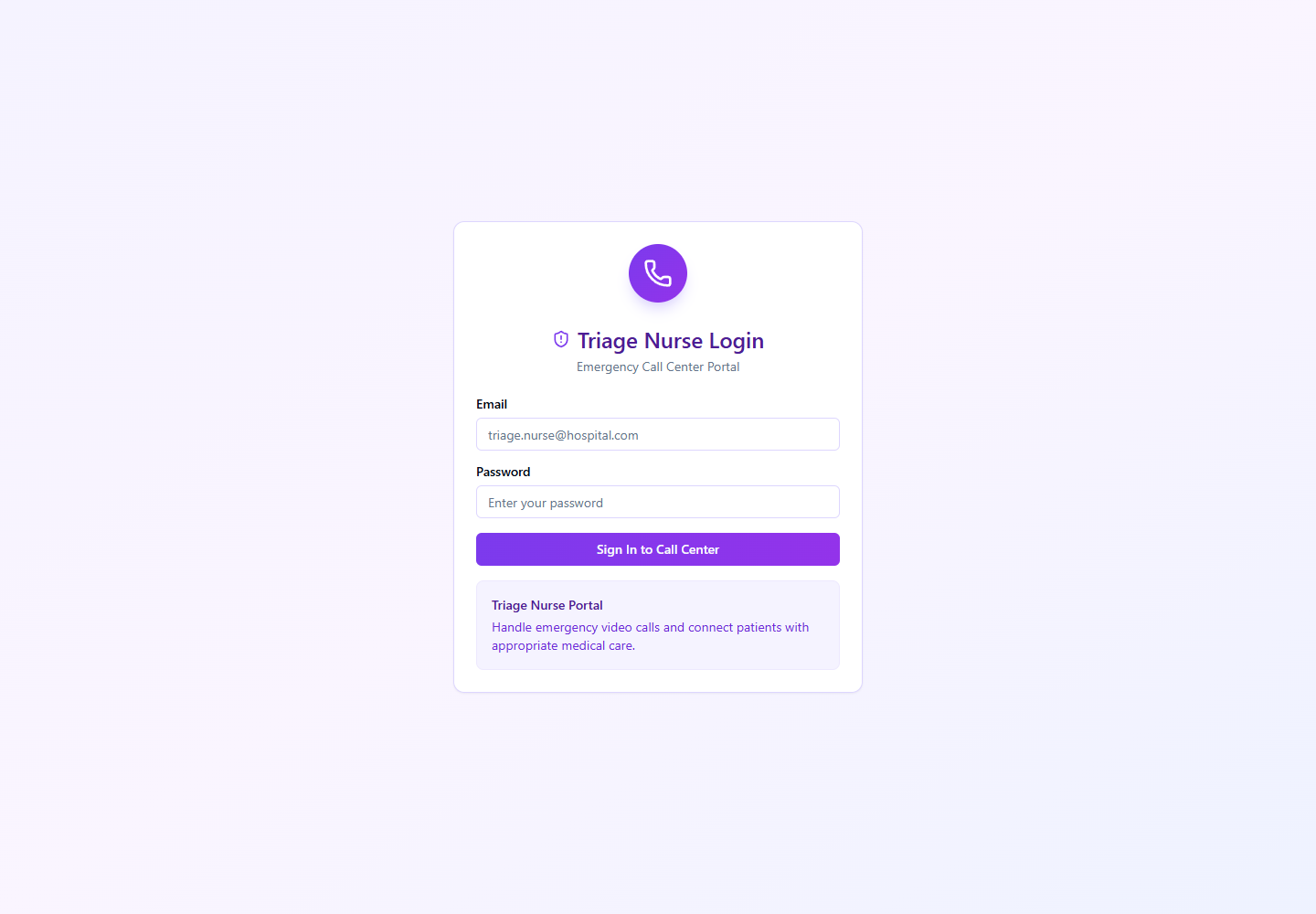
Onboarding and Login Flow
- Super Admin creates or activates triage nurse users from the Triage Nurses module.
- Specializations are assigned so the nurse receives matching emergency cases.
- Triage Nurse signs in from /auth/triage-nurse-login.
- Triage Nurse sets available status and monitors the queue.
Quick Start
- Login from the Triage Nurse Login screen.
- Open Dashboard or Call Queue.
- Accept waiting emergency video case.
- Escalate to doctor or request ambulance when clinically required.
Menu Navigation Hierarchy
Follow this order during training so users understand the dashboard before action-heavy screens.
1Dashboard
2Call Queue
3Call Screen
4Call History
Each Module: Navigation and Actions
| Navigation | Function | Primary Actions |
|---|---|---|
| Dashboard | Live triage readiness, waiting calls, and current queue status. |
|
| Call Queue | Prioritized list of patient emergency video cases. |
|
| Call Screen | Video triage workspace with patient details and emergency actions. |
|
| Call History | Audit and follow-up records for completed triage cases. |
|
Action Screens with Screenshots
Step 1: Triage Nurse Login
The triage portal validates triage nurse profile and specialization record before queue access.
/auth/triage-nurse-login
Enter triage nurse email
Enter password
Submit
Confirm queue dashboard redirect
Step 2: Emergency Video Entry
Patients enter video triage from the emergency flow; the triage queue receives the waiting case.
/patient/emergency/heart-problems
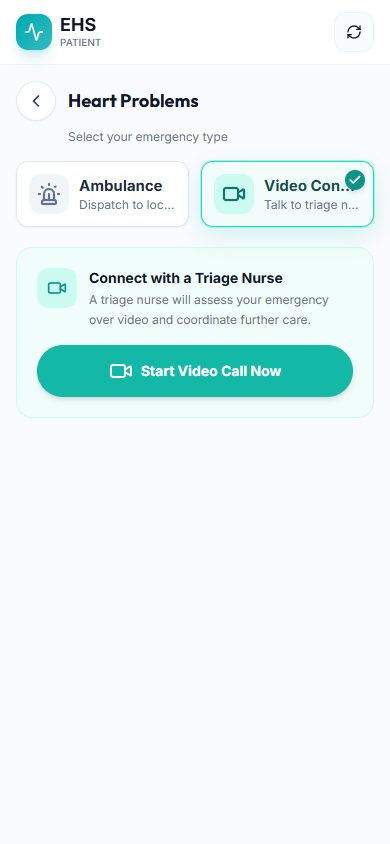
Monitor waiting calls
Accept matching case
Start assessment
Escalate if required
Step 3: Ambulance From Triage
During a video emergency, triage can request an ambulance on behalf of the patient.
/patient/emergency/heart-problems
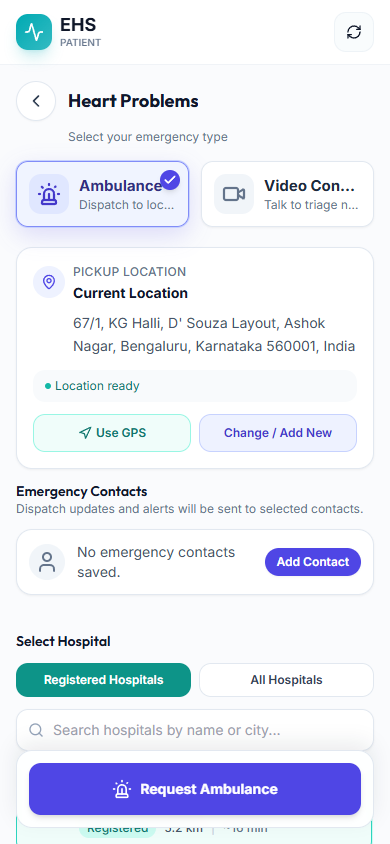
Confirm patient location
Select ambulance type
Submit linked emergency request
End-to-End Testing Checks
- Enter the role email and password on the correct login screen.
- Confirm the redirected dashboard matches the user role.
- Verify the side navigation only shows modules allowed for that role.
- Log out and verify the browser returns to the login page.
- Inactive or suspended triage nurse cannot access the queue.
- Only matching or authorized emergency cases appear in the triage queue.
- Triage ambulance request links to emergency_case_id.