Role User Guide
Nurse Web Guide
Nurse login, appointment assignment, patient preparation, video call start, and doctor invite.
Login URL
/auth/nurse-login
Start URL
/staff/nurse/dashboard
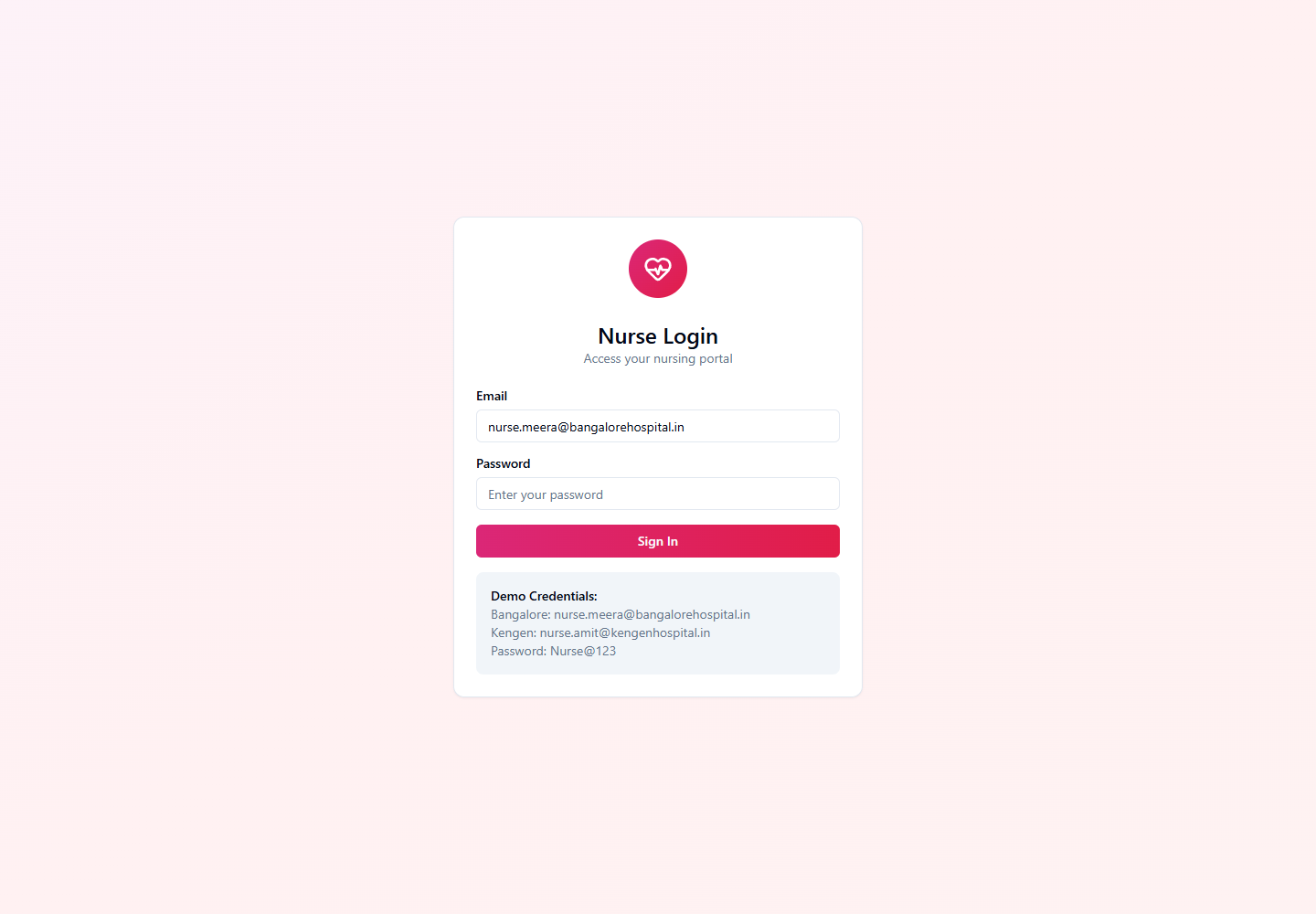
Onboarding and Login Flow
- Hospital Admin creates nurse account from the Nurses module.
- Nurse receives the nurse portal URL and temporary or configured password.
- Nurse signs in from /auth/nurse-login and confirms hospital association.
- Nurse uses Dashboard and Appointments for appointment intake and call coordination.
Quick Start
- Login from the Nurse Login screen.
- Open Dashboard to see unassigned and assigned appointments.
- Assign eligible appointment to self.
- Start video call and invite doctor when consultation is ready.
Menu Navigation Hierarchy
Follow this order during training so users understand the dashboard before action-heavy screens.
1Dashboard
2Appointments
Each Module: Navigation and Actions
| Navigation | Function | Primary Actions |
|---|---|---|
| Dashboard | Operational queue for appointment intake and assigned work. |
|
| Appointments | Appointment list and action view for nurse-managed calls. |
|
Action Screens with Screenshots
Step 1: Nurse Login
The nurse portal validates nurse-only access before showing appointment queues.
/auth/nurse-login
Enter nurse email
Enter password
Submit
Confirm nurse dashboard redirect
Step 2: Appointment Queue
Nurse action begins after the patient books an appointment and the record appears in the queue.
/staff/nurse/appointments
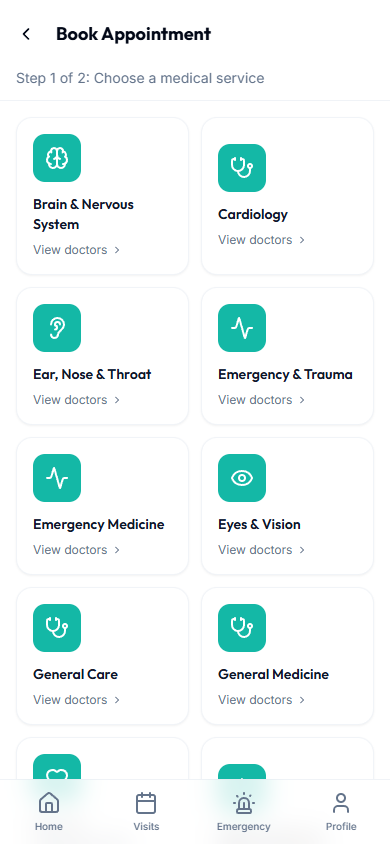
Assign appointment to self
Prepare patient
Start call
Notify doctor
Step 3: Emergency Support
Nurse can support emergency cases where the workflow requires clinical intake or follow-up.
/staff/nurse/emergencies
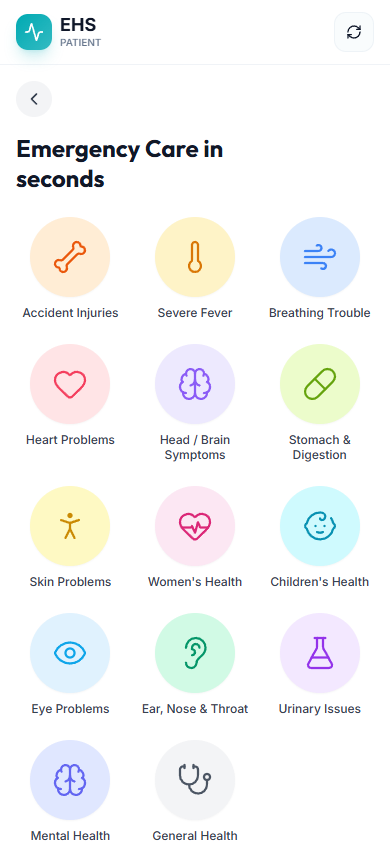
Open emergency context
Review patient details
Coordinate with triage and doctor
End-to-End Testing Checks
- Enter the role email and password on the correct login screen.
- Confirm the redirected dashboard matches the user role.
- Verify the side navigation only shows modules allowed for that role.
- Log out and verify the browser returns to the login page.
- Nurse cannot assign an appointment already assigned to another nurse.
- Starting a call creates participant access for patient and doctor.
- Nurse dashboard only shows appointments for the nurse hospital scope.