Role User Guide
Hospital Admin Web Guide
Hospital onboarding, staff management, appointments, emergency command, and ambulance unit setup.
Login URL
/login
Start URL
/hospital-admin/dashboard
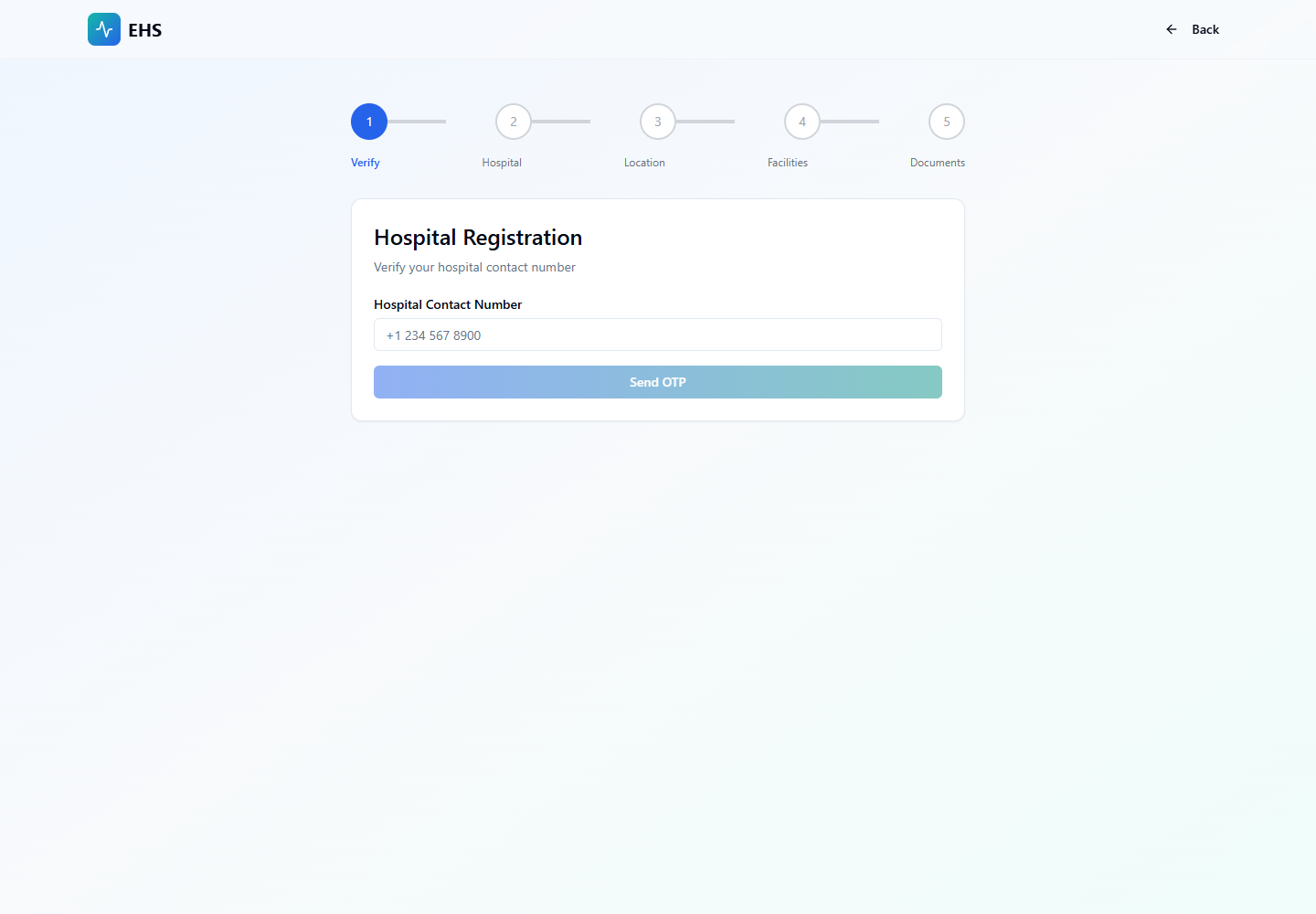
Onboarding and Login Flow
- Hospital submits registration from /register/hospital.
- Super Admin reviews documents and approves the onboarding application.
- Approved hospital admin receives account access and temporary password if provisioned.
- Hospital Admin logs in from /login and verifies hospital details, staff, and ambulance unit.
Quick Start
- Login from the common web login screen.
- Open Dashboard for hospital KPIs and ambulance unit setup.
- Use Doctors and Nurses to maintain staff.
- Use Appointments and Emergencies for daily operations.
Menu Navigation Hierarchy
Follow this order during training so users understand the dashboard before action-heavy screens.
1Dashboard
2Ambulance Unit
3Doctors
4Nurses
5Appointments
6Emergencies
7Settings
Each Module: Navigation and Actions
| Navigation | Function | Primary Actions |
|---|---|---|
| Dashboard | Hospital operations overview and ambulance unit entry point. |
|
| Doctors | Doctor roster creation and maintenance. |
|
| Nurses | Nurse roster and appointment support team management. |
|
| Appointments | Hospital-wide appointment monitoring. |
|
| Emergencies | Live emergency command view and transport coordination. |
|
Action Screens with Screenshots
Step 1: Hospital Registration
Hospital onboarding begins with phone verification, hospital details, location, facilities, and documents.
/register/hospital
Verify phone
Enter hospital details
Upload documents
Submit for Super Admin review
Step 2: Hospital Admin Login
Hospital Admin uses the common web login and is routed to the hospital dashboard after authentication.
/login
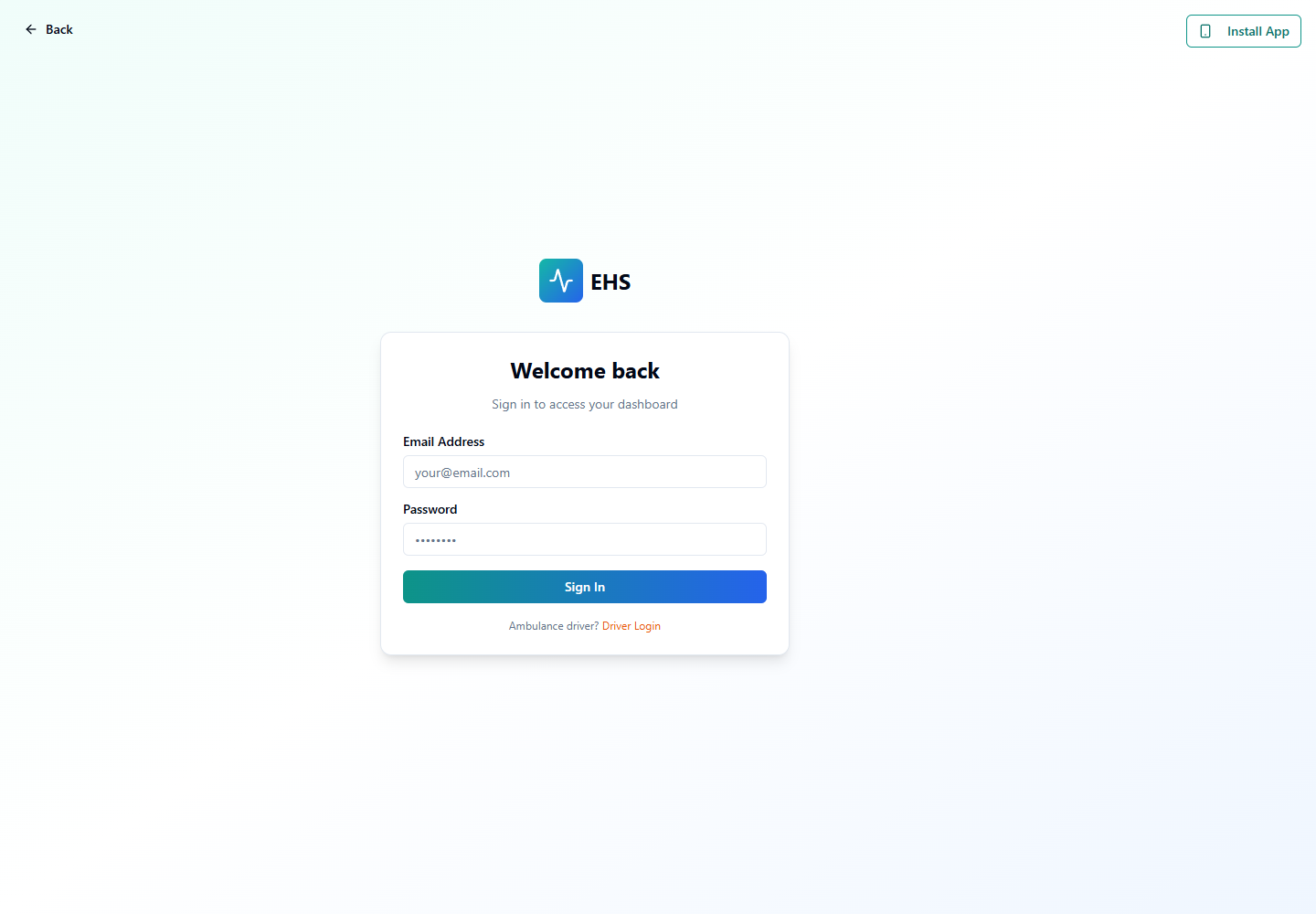
Enter hospital admin email
Enter password
Submit
Confirm hospital dashboard
Step 3: Staff and Appointment Operations
Hospital Admin manages doctors, nurses, appointments, and emergency command after approval.
/hospital-admin/dashboard
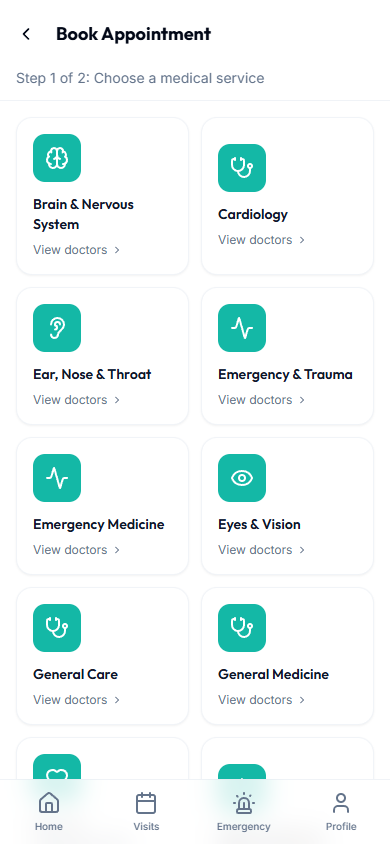
Create staff
Review appointments
Monitor emergency activity
Manage settings
End-to-End Testing Checks
- Enter the role email and password on the correct login screen.
- Confirm the redirected dashboard matches the user role.
- Verify the side navigation only shows modules allowed for that role.
- Log out and verify the browser returns to the login page.
- Hospital registration creates an onboarding application with submitted status.
- Approved hospital has a hospital admin user profile and hospital_id association.
- Hospital Admin cannot view other hospitals' staff or appointments.